Closed Alpha: How to Join and How to Use Your Access Key
How do you join the Ancient Online: Remastered closed alpha test? What an access key is, and how to use it on the download page and at in-game sign-up.
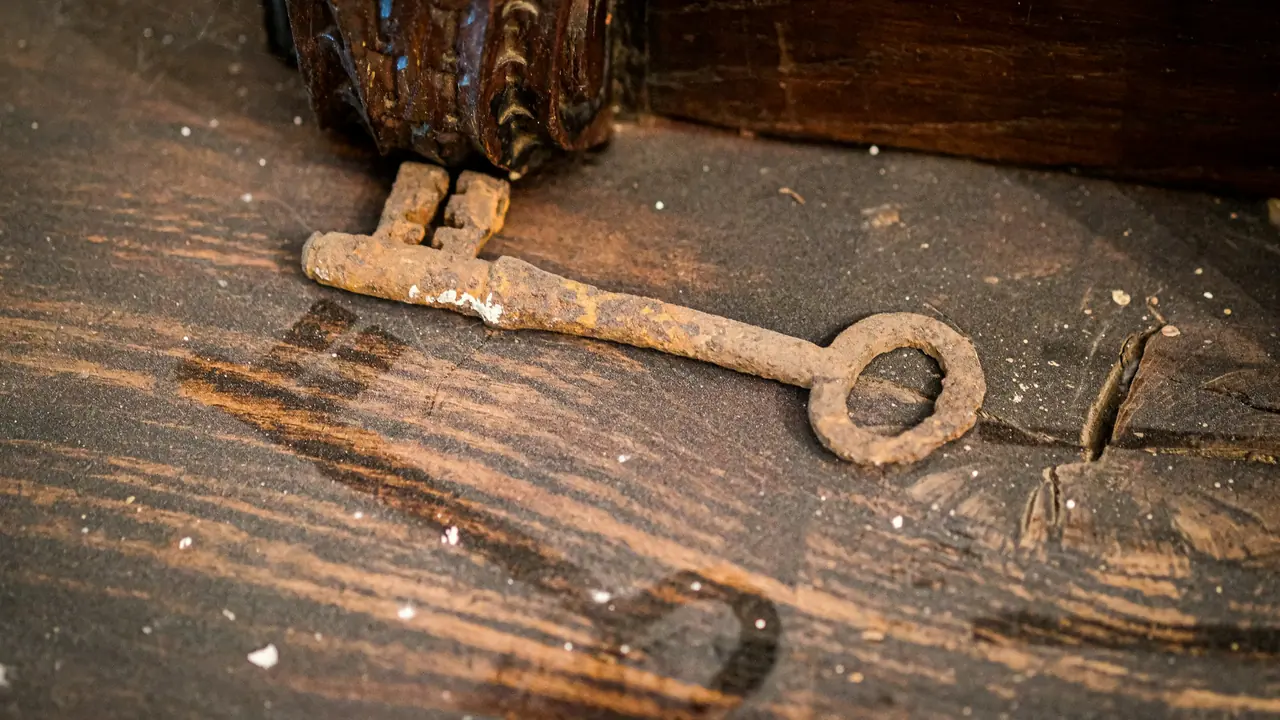
Ancient Online: Remastered is currently in closed alpha: the game is not open to everyone, and the test is joined by players who hold an access key. This guide answers the questions people ask when they want to join an MMORPG alpha test: what Alpha I is, what an access key does, how to use it on the website and inside the game, where keys are announced, and what the known limits of this stage are.
The game is in development; screen names, steps and test conditions may change before launch.
What is Alpha I?
The ALPHA I label at the top of the website shows the stage the game is in today: the first stage of the closed alpha. An alpha is not the finished game; it is a test build:
- The aim is to try the systems with real players and to find bugs and balance problems.
- Systems and content may change before launch.
- "Closed" means this: you need an access key to create a new account and to download the game from the website.
No release date has been announced yet. You can read what the game offers in What is Ancient Online: Remastered? and how it came about in the story of this Turkish-made MMORPG.
What is an access key?
An access key is your ticket into the game during closed testing. It looks like this: ALPHA-XXXXX-XXXXX-XXXXX
- After the
ALPHA-prefix come three groups of five characters; the groups contain only capital letters and digits. - To avoid mix-ups, keys never contain I, O, 0 or 1. If you see one of those, you have misread the character.
- Upper or lower case does not matter when you type it; you can leave out the dashes, and spaces are ignored.
One key, two separate allowances
Every key carries two allowances that are independent of each other:
| Allowance | Where it is used | When it is spent |
|---|---|---|
| Download allowance | On the website's Download the Game page | On the first file download |
| Registration allowance | On the game's login screen, when you create an account | When registration is completed |
A key is normally good for one download and one registration. When one allowance is spent, the other stays valid: you register with the same key you downloaded the game with. So keep your key after you download.
Step 1: Download the game
- Open the Download the Game page. While closed testing is on, the page shows an access key box before the download buttons.
- Type your key and press Verify key. This form only verifies your key; it does not create an account and never asks for a password. Verifying alone does not spend an allowance.
- If the key is verified, the platform buttons unlock and stay unlocked in this browser for 2 hours.
- Choose your platform and download. Your download allowance is spent on the first download; within those 2 hours you can download again in the same browser (for example, if a download was interrupted).
Once the download allowance has been spent and the 2 hours have passed, the same key cannot start a new download. Download on the device you will play on, and keep the installer. Before you download, check the system requirements page to see whether your device will run the game.
If no download has been published for a test stage yet, the page says so; once the links are published, they appear on that same page.
Step 2: Register inside the game
Accounts are created inside the game, not on the website:
- Start the game and click Create Account on the login screen.
- During closed alpha the sign-up form has one extra field: Alpha Access Key. Type your key there; the hint under the field tells you whether the format looks right.
- Enter your email address, username and password, then type the verification code sent to your email into the game.
When registration starts, your key is reserved for your sign-up; the registration allowance is spent when you verify the email code and complete the registration. If you do not enter the code in time, the reservation is released by itself and you can use your key again.
Once your account exists, you are not asked for a key when you log in. Every step of sign-up, along with two-step verification (2FA), is in the account creation and security guide.
Seeing ALPHA next to the channels in the channel list is normal: the channel is open and you can enter it. If the server is under maintenance, the channels carry a maintenance label; you can follow the live status on the server status page.
Where are keys announced?
When and how access keys are handed out is announced in our Discord community and on this blog. What you need to know:
- Keys are not for sale. Any person or website offering you a key for money is not official.
- Do not post your key anywhere public: someone who sees it can spend its allowances before you do.
- The official websites have no account login and no page that asks for a password; the box on the download page asks only for your access key.
My key was not accepted: what does it mean?
| Message | What it means | What to do |
|---|---|---|
| Invalid, revoked or expired | The key was mistyped, revoked, or its validity period has ended | Check the characters: I, O, 0 and 1 are never used |
| Already used for a download (website) | A download has already been made with this key | If your registration allowance is still there, you can register inside the game |
| No uses left (game) | A registration has already been completed with this key | If you have an account, log in; no key is needed to log in |
| Too many attempts | You went over 10 attempts in 10 minutes from the same address | Wait 10 minutes |
| Your session has expired | The 2 hours have passed or the browser session has ended | If the download has not started, enter the key again |
| This is a Beta key | During alpha, only keys that start with ALPHA- are accepted | Use your Alpha key |
Known limits
- Platforms: The targets are Windows, macOS, Linux, Android and iOS; the development build is currently tested on Windows and Android devices.
- Test build: Expect bugs, balance changes and maintenance breaks.
- Download: The allowance is spent on the first download, and the unlocked links work only in that browser, for 2 hours.
- Progress: Nothing has been announced yet about whether alpha characters and items will be kept at launch.
- Date: No release date has been announced.
Frequently asked questions
I do not have a key; what can I do?
Follow the announcements in our Discord community and on this blog. Until then, you can get to know the game with the beginner's guide.
Can I share my key with a friend?
A key is normally good for one download and one registration. If you share it, one of the allowances may not be left for you.
I already have an account; do I still need a key?
Not to log in. Closed testing only ties creating a new account and downloading from the website to a key.
Can I use the same account on my phone and my computer?
Yes; your account is not tied to a device. Details are in the PC and mobile cross-platform guide.
What happens after alpha?
When the next stages and dates are settled, we will announce them in our Discord community and on this blog.
Next step
If you have your key, check the system requirements page first, then start from the Download the Game page. Once your account is open, the beginner's guide shows the way from choosing an empire and a class to your first skill path.