Ancient Online System Requirements and Graphics Settings Guide: PC and Mobile
PC and mobile system requirements for Ancient Online, plus what DLSS, FSR, TSR, Lumen and the mobile options do and which to choose for your device.
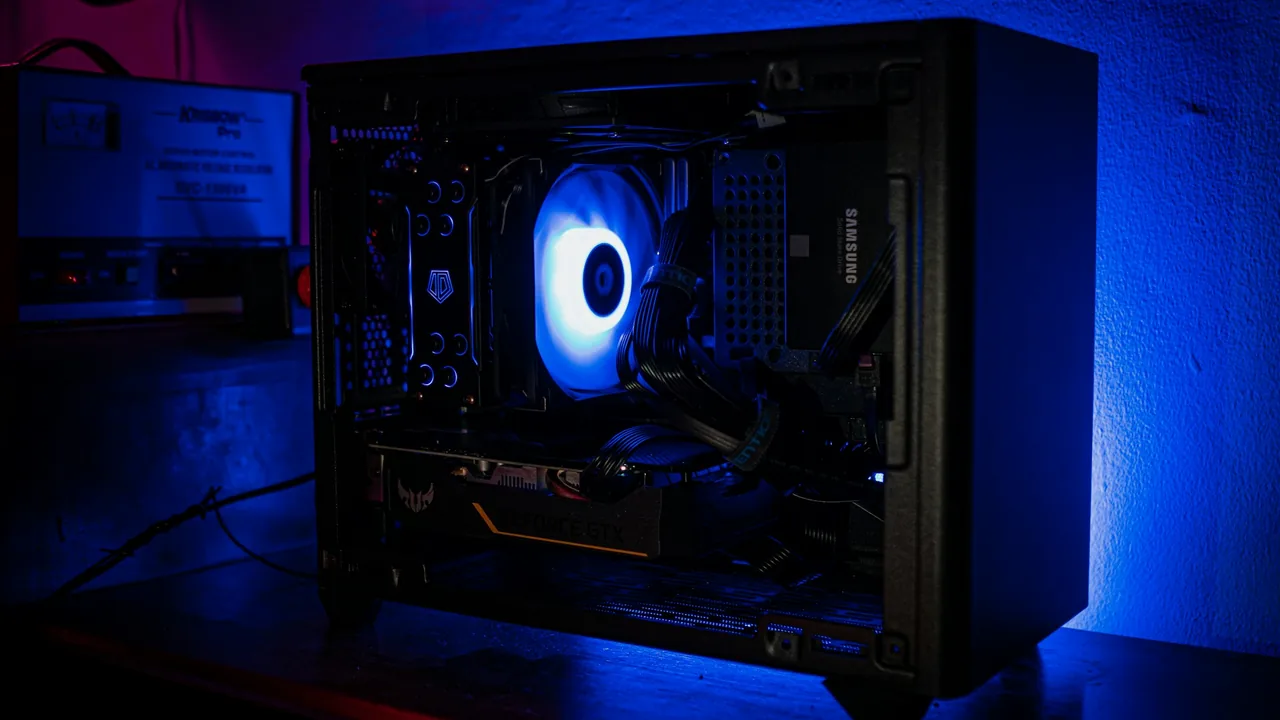
The short answer to "Will my device run Ancient Online?" is in the tables on the system requirements page. This guide summarises those values and then moves on to the part that really helps: what does each graphics setting do, and which should you choose on your own device?
The game is in development. The values below are the target specs published at the moment; they may be updated before launch as optimisation continues. For current values, always go by the system requirements page.
Windows
| Component | Minimum | Recommended |
|---|---|---|
| Operating system | Windows 10 64-bit | Windows 10 / 11 64-bit |
| Processor | Intel Core i5-8400 or AMD Ryzen 5 2600 | Intel Core i7-10700K or AMD Ryzen 7 3700X and above |
| Memory | 8 GB | 16 GB and above |
| Graphics card | NVIDIA GeForce GTX 1060 6GB, AMD Radeon RX 580 8GB or Intel Arc A580 | NVIDIA GeForce RTX 3060, AMD Radeon RX 6600 XT or Intel Arc A770 and above |
| DirectX | 12 | 12 |
| Free space | 50 GB SSD | 80 GB SSD and above |
Why is an SSD required? The game loads a single, continuous open world from disk as you move through it. On a mechanical hard drive, you get stuttering and long loading times when you enter new areas.
Android
| Component | Minimum | Recommended |
|---|---|---|
| Operating system | Android 10 (64-bit, ARM64) | Android 13 and above |
| Memory | 4 GB | 8 GB and above |
| Graphics API | OpenGL ES 3.1 | Vulkan 1.1 and above |
| Storage | 8 GB | 12 GB and above |
Find your phone's processor by manufacturer in the table below; the chipsets on the same row are in a similar performance class.
| Manufacturer | Minimum processor | Recommended processor |
|---|---|---|
| Qualcomm | Snapdragon 730 / 720G | Snapdragon 8 Gen 1 and above |
| MediaTek | Dimensity 800U / Helio G99 | Dimensity 9000 and above |
| Samsung | Exynos 9820 / 1280 | Exynos 2200 and above |
| HiSilicon | Kirin 980 / 810 | Kirin 9000 and above |
| Tensor | Tensor G2 and above |
For the graphics unit, the minimum target is Adreno 618 or Mali-G57 / Mali-G76; the recommended target is Adreno 730, Mali-G710 / Mali-G78 or Xclipse 920 and above.
iOS and iPadOS
| Component | Minimum | Recommended |
|---|---|---|
| Operating system | iOS 16 / iPadOS 16 | iOS 17 / iPadOS 17 and above |
| Device | iPhone XS / XS Max / iPhone 11; iPad Air 4 / iPad Pro 11 (2018) | iPhone 13 Pro / iPhone 14; iPad Air 5 (M1) and above |
| Processor | Apple A12 Bionic | Apple A15 Bionic / M1 and above |
| Memory | 4 GB | 6 GB and above |
| Storage | 8 GB | 12 GB and above |
macOS and Linux
- macOS: At least macOS 12 Monterey, an Apple M1 and 8 GB of memory. Recommended: macOS 14 Sonoma and above, an Apple M1 Pro / M1 Max or M2 and above, 16 GB of memory. The integrated Apple GPU (Metal) is used for graphics.
- Linux: Ubuntu 22.04 LTS, Debian 12, Fedora 39 or SteamOS 3 (64-bit); recommended Ubuntu 24.04 LTS or Fedora 41 and above. Vulkan 1.3 is required; the processor, memory and graphics card values are the same as for Windows.
Both platforms need at least 50 GB of SSD space, with 80 GB recommended.
macOS, Linux and iOS are target platforms; the development build is currently tested on Windows and Android devices.
What do the graphics settings do?
The settings window has ready-made overall quality options: Auto, Low, Medium, High, Epic and Cinematic. If you adjust individual settings after picking one, the selection becomes "Custom".
Shadows, textures, effects and view distance
- Shadow quality is one of the settings with the biggest impact on performance. If your frame rate is low, lower this by one step first.
- Texture quality depends on your graphics card's memory; on cards with little memory, the medium level is the safer choice.
- Effect quality sets the density of skill and spell effects; you can lower it to hold your frame rate in crowded battles.
- View distance and the vegetation settings determine the detail you see in the distance.
- You can turn off the display of elements such as grass, trees, clouds and water one by one.
Lumen
Lumen is Unreal Engine 5.8's real-time lighting: light bounces off surfaces; torches and spells light up their surroundings. It is very pleasing to the eye, but it puts a strain on the graphics card. That is why it is not mandatory; you turn it on and off in the settings. If frame rate is your priority, keep it off.
TSR, FSR and DLSS
Upscaling technologies render the game at a lower resolution and enlarge the image intelligently; you gain a noticeable amount of frame rate for a small loss in quality.
- TSR: Unreal Engine's own upscaler; it works on every graphics card.
- FSR: AMD's upscaler; it can be used on cards from other brands too.
- DLSS: An upscaler exclusive to NVIDIA RTX cards.
The settings also include a frame generation option.
Latency reduction and frame rate limit
- NVIDIA Reflex and AMD Anti-Lag 2 reduce the delay between pressing a key and seeing the result on screen. You notice it in combat; if your card supports it, keep it on.
- The frame rate limit stops the game from drawing more frames than it needs to; on laptops it reduces heat and fan noise.
Mobile graphics settings
On a phone the settings are simpler; desktop-only options such as Lumen and upscaling do not appear. In their place:
- Resolution: 720p, 900p, 1080p or the screen's own resolution. A lower resolution reduces battery drain and heat.
- Anti-aliasing: FXAA, SMAA or TAA.
If your phone heats up during long sessions, lowering quality and resolution by one step keeps the frame rate from fluctuating.
A starting point for your device
These are suggestions to start from, not measured results; fine-tune them by trying them out on your own device.
| Your device | Suggested starting point |
|---|---|
| Minimum-spec PC | Low or Medium, Lumen off, TSR or FSR |
| Recommended-spec PC | High, Lumen optional, DLSS or FSR, Reflex / Anti-Lag on |
| High-end PC | Epic or Cinematic, Lumen on |
| Mid-range phone | 720p or 900p, FXAA |
| High-end phone | 1080p or screen resolution, SMAA or TAA |
If your frame rate is low, try these in order
- Update your graphics driver. DLSS, FSR and Reflex need an up-to-date driver.
- Make sure the game is installed on an SSD.
- Lower the overall quality by one step, then reduce shadow and effect quality separately.
- Turn off Lumen.
- Turn on an upscaler (TSR, FSR or DLSS).
- Close programs running in the background: browser tabs and screen recording software share your graphics card and memory.
- If you are on a laptop, plug it in; on battery, most graphics cards run in a restricted mode.
Frequently asked questions
How many GB does Ancient Online take up?
According to the published target specs, you need at least 50 GB (80 GB recommended) of free SSD space on PC and at least 8 GB (12 GB recommended) of storage on mobile.
What if my graphics card is below the minimum?
The minimum target for PC is the GeForce GTX 1060 6GB, Radeon RX 580 8GB or Arc A580 class. Cards below that fall outside the published minimum.
If I cannot connect to the server, is the problem on my end?
Check the server status page first; there may be maintenance or a channel outage.
Next step
If your device is ready, the beginner's guide covers your first hours. If you are thinking of playing on a phone, you will find the touch controls in the PC and mobile cross-platform guide.